

A while back, all text-to-video AI tools looked the same to me.
Turn a prompt into a finished video in minutes — no professional video content creator required.
Then, I actually started comparing them.
That’s when I realized the biggest differences aren’t on their pricing pages or feature lists. They only show up once you start creating videos consistently.
Some tools are better at turning blog posts into videos. Others are built for social media content, while a few offer much more precise control if you’re willing to put in the extra work.
In this post, I’ll show you where each text-to-video AI tool stands out, where they fall short, and who will get the best value from using it.
Quick Answer
Each of the text-to-video tools I tested excels in a different area, depending on the type of videos you need:
- Pictory.ai is tough to beat if you’re turning blog articles or long-form content into videos.
- Invideo offers one of the most flexible editing toolkits for marketers and content creators.
- Fliki stands out in generating realistic AI voiceovers.
- Revid.ai focuses on helping creators with short-form videos.
- Picsart is a proven option for creators and marketers who are already familiar with its creative tools and looking for basic text-to-video capabilities.
What People Get Wrong When Choosing a Text-to-Video AI Tool
One of the biggest mistakes people make when choosing a text-to-video AI tool is to focus on the feature list.
The longer the feature list is, the better — right?
However, a tool’s product page doesn’t necessarily show the full picture.
Over the years of testing and using content creation tools, I realized that it’s more important to focus on your needs first. Use your own checklist of requirements rather than simply going for what’s cheaper or more robust on paper.
That’s the approach I used upon evaluating text-to-video tools.
Below is a quick recap of my findings:
| Your Workflow | My Recommendation | Reason |
|---|---|---|
| Turning existing articles into videos | Pictory.ai | Designed specifically for content repurposing, perfect for bloggers and marketers |
| Creating marketing videos with robust editing | Invideo | Highly customizable editing experience while keeping AI front and center |
| Producing short-form videos at scale | Revid.ai | Prioritizes speed and simplicity, perfect for social media brands |
| Creating videos alongside graphics and other visual assets (primarily for social media) | Picsart | Text-to-video AI feature embedded in robust graphic design ecosystem |
| Generating videos with realistic AI voiceovers | Fliki | Well-known for creators who need natural-sounding narration |
| Exploring text-to-video AI generation for the first time | Pictory.ai | Incredibly easy to learn without compromising on features and content quality |
| Expanding your video editing workflow | Invideo | Unlocks more control over the finished product without starting from scratch |
Top 5 AI Text-To-Video Tools
Here’s a closer look at each tool and a brief recap of my experiences with them:
1. Pictory.ai (20% Off)
Pricing: Starts at $29 per month (20% discount available)
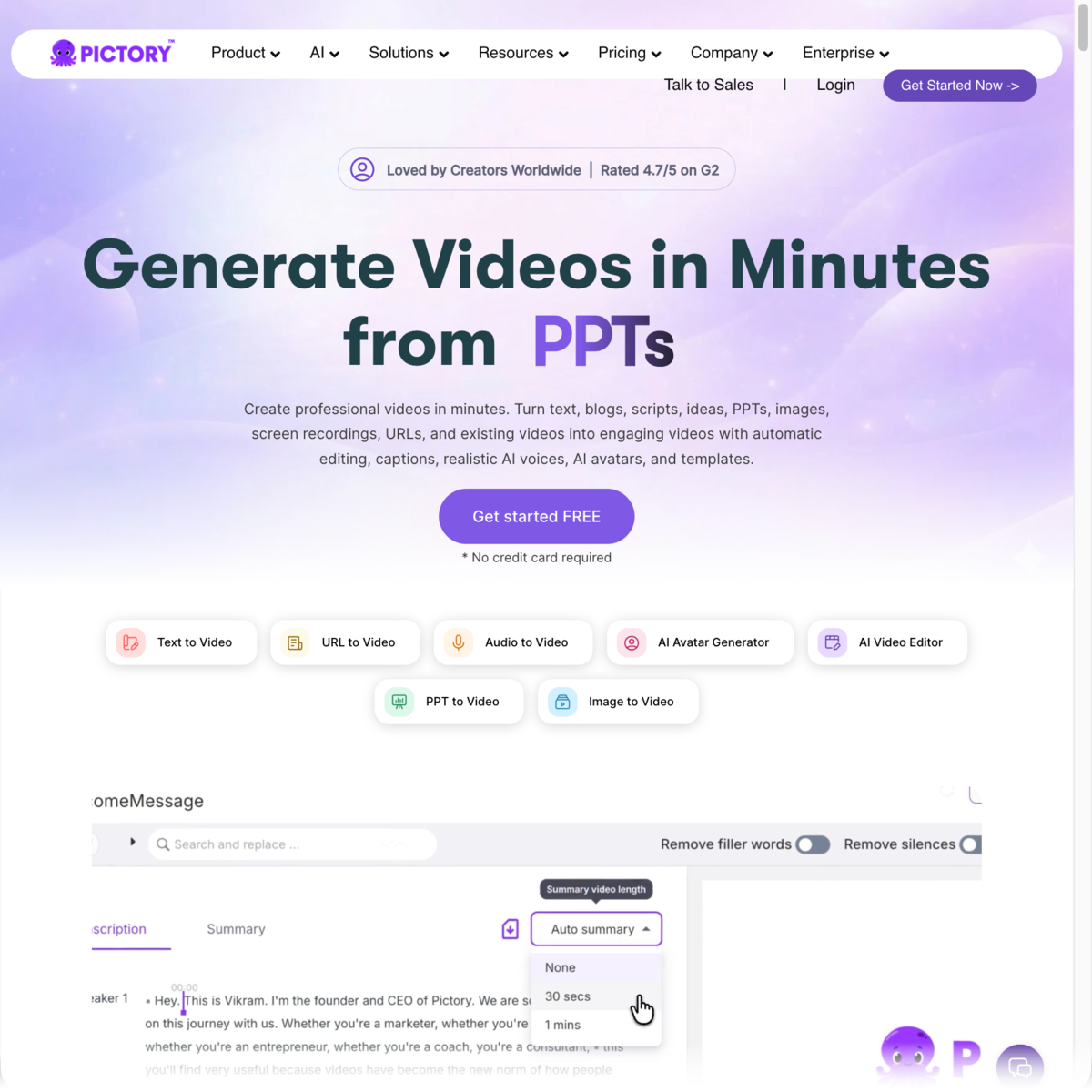
Pictory is the most practical text-to-video AI tool for bloggers, creators, and marketing teams with an existing content library.
It’s not just built to generate videos from prompts. Rather, it’s specifically designed to turn existing content — whether it’s a blog article, script, presentation, or screen recording — into a professional-looking video with surprisingly little effort.
You’ll find the complete toolkit right on your main dashboard. Just choose the one you need based on the content type you want to use.
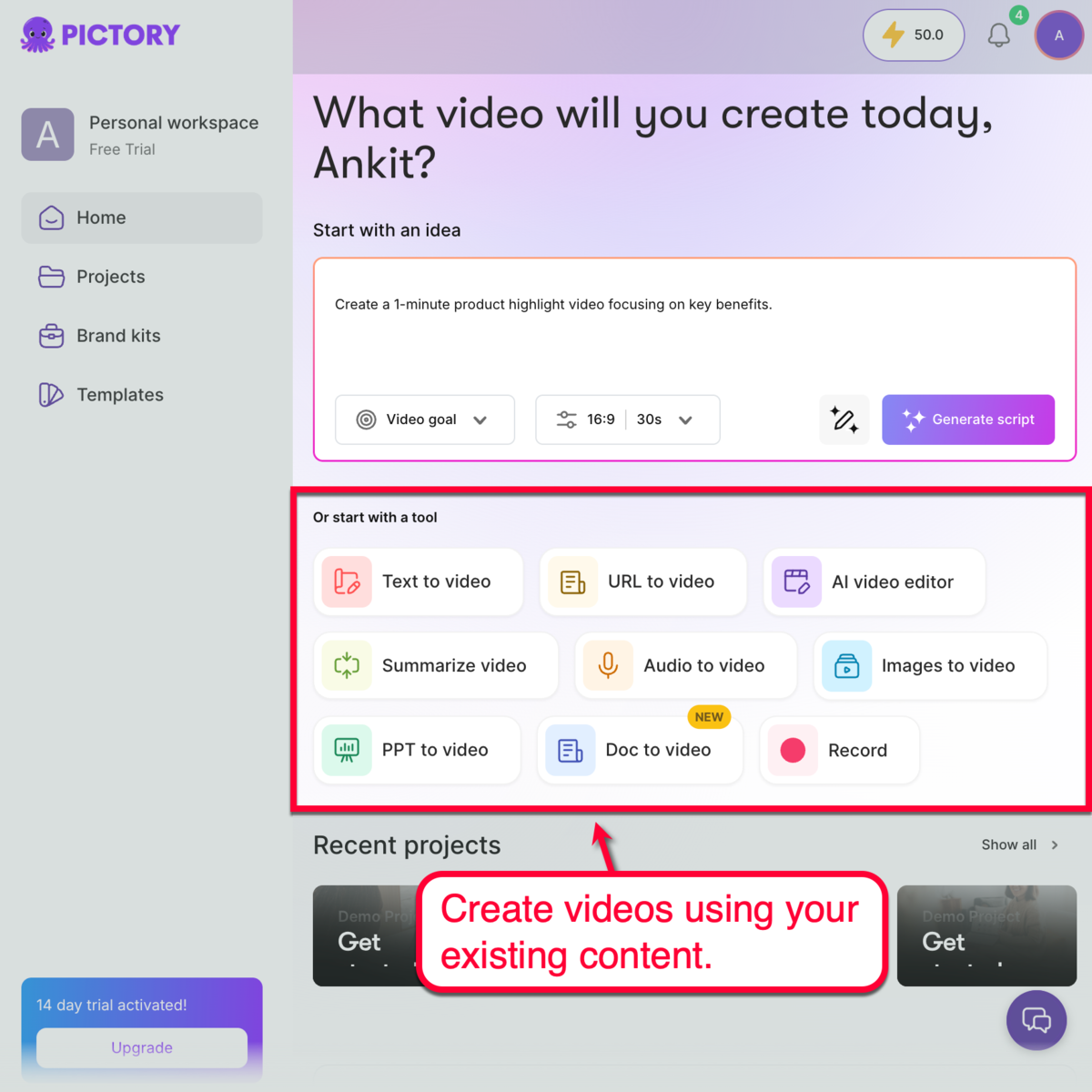
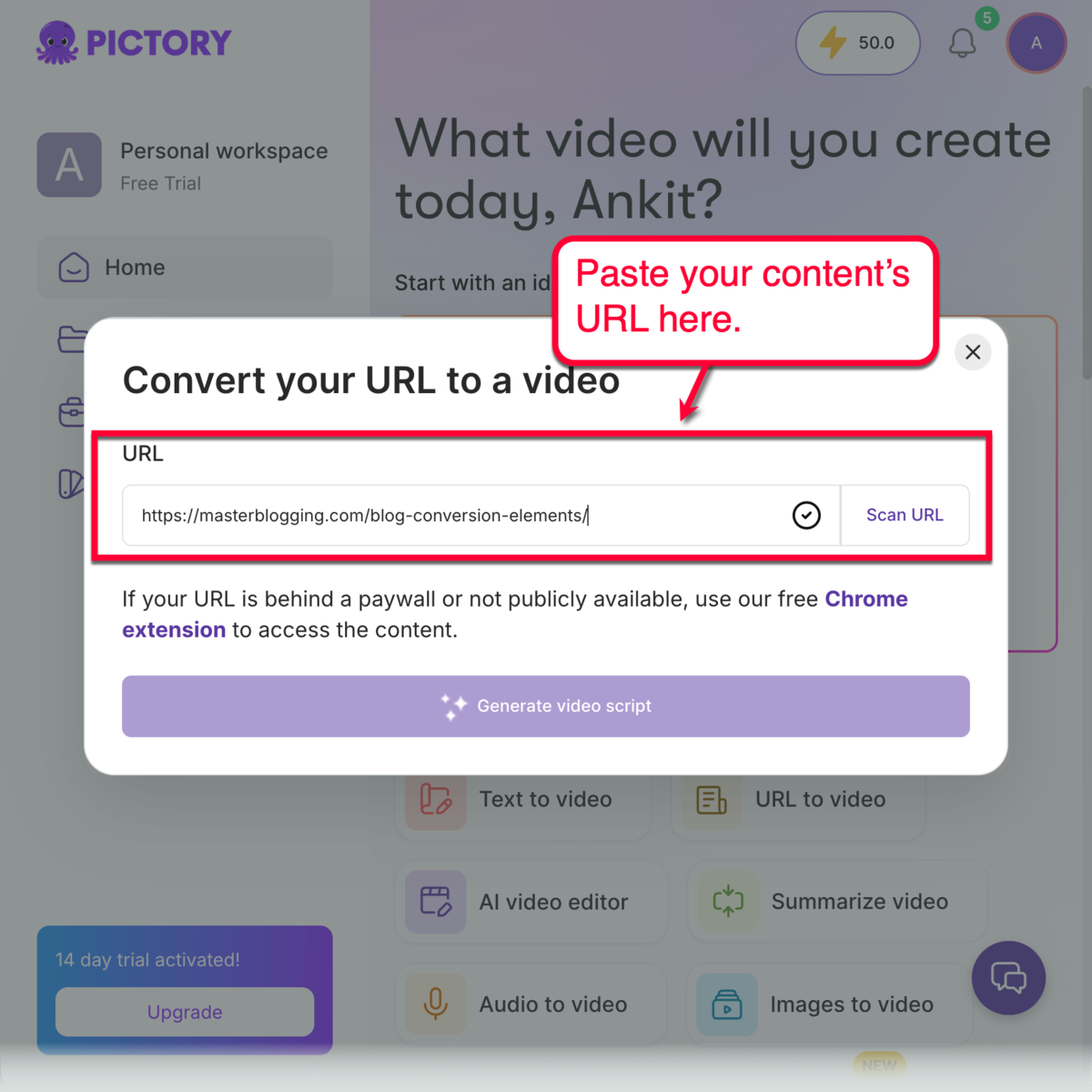
For example, if I want to turn my existing post into a video, I just paste its URL into the “URL to video” tool.
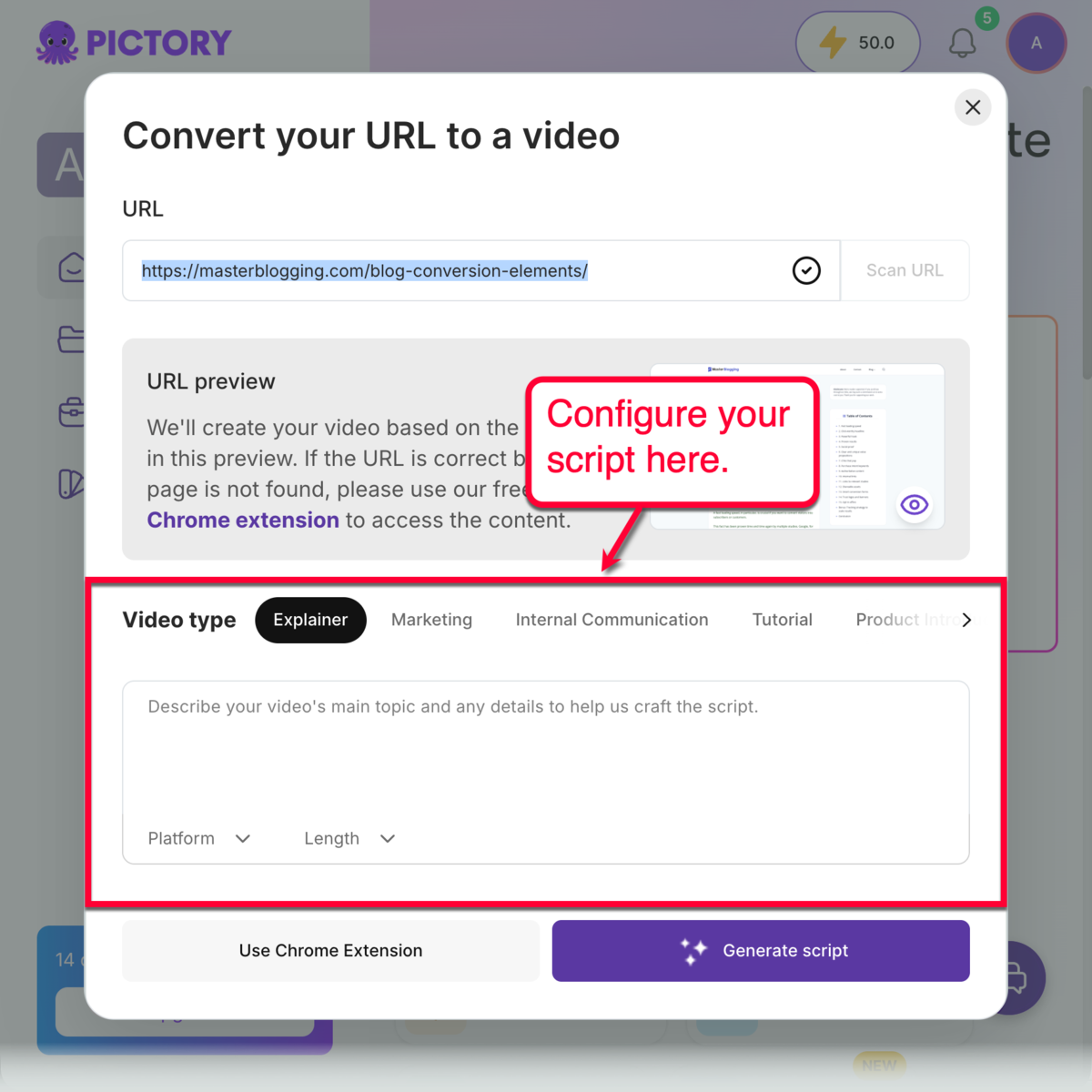
After scanning the URL, you can specify the video type you want and enter a brief description of your post’s topic. This helps Pictory generate a script that perfectly aligns with your goal.
Once your script is ready, review the draft and customize your video creation preferences. This includes specifying media sources, choosing a narration type, and choosing a visual theme.
When done, just click ‘Generate Video’ and your rough cut will be created in seconds. Feel free to edit anything, rearrange scenes, and expand your draft by adding new clips.
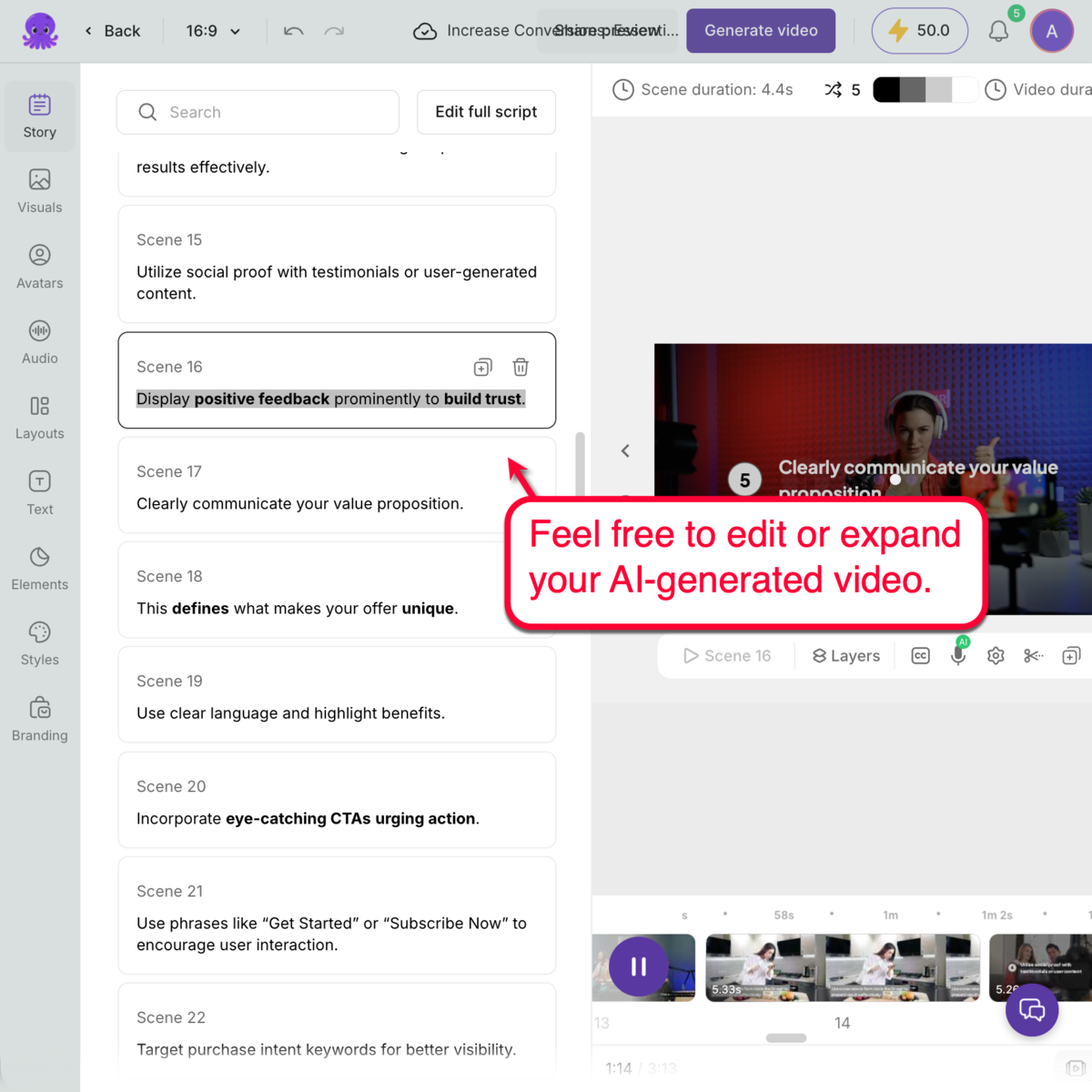
This balance between automation and manual control makes the workflow feel much more practical. And since content repurposing is a central point in Pictory’s toolkit, it’s perfect for brands with a large library of existing resources, including internal notes, blog articles, presentations, and other types of media.
Master Blogging readers can also get 20% off Pictory by using the coupon code ‘MASTERBLOGGING’ at checkout (details here).
2. Invideo
Pricing: Starts at $20 per month
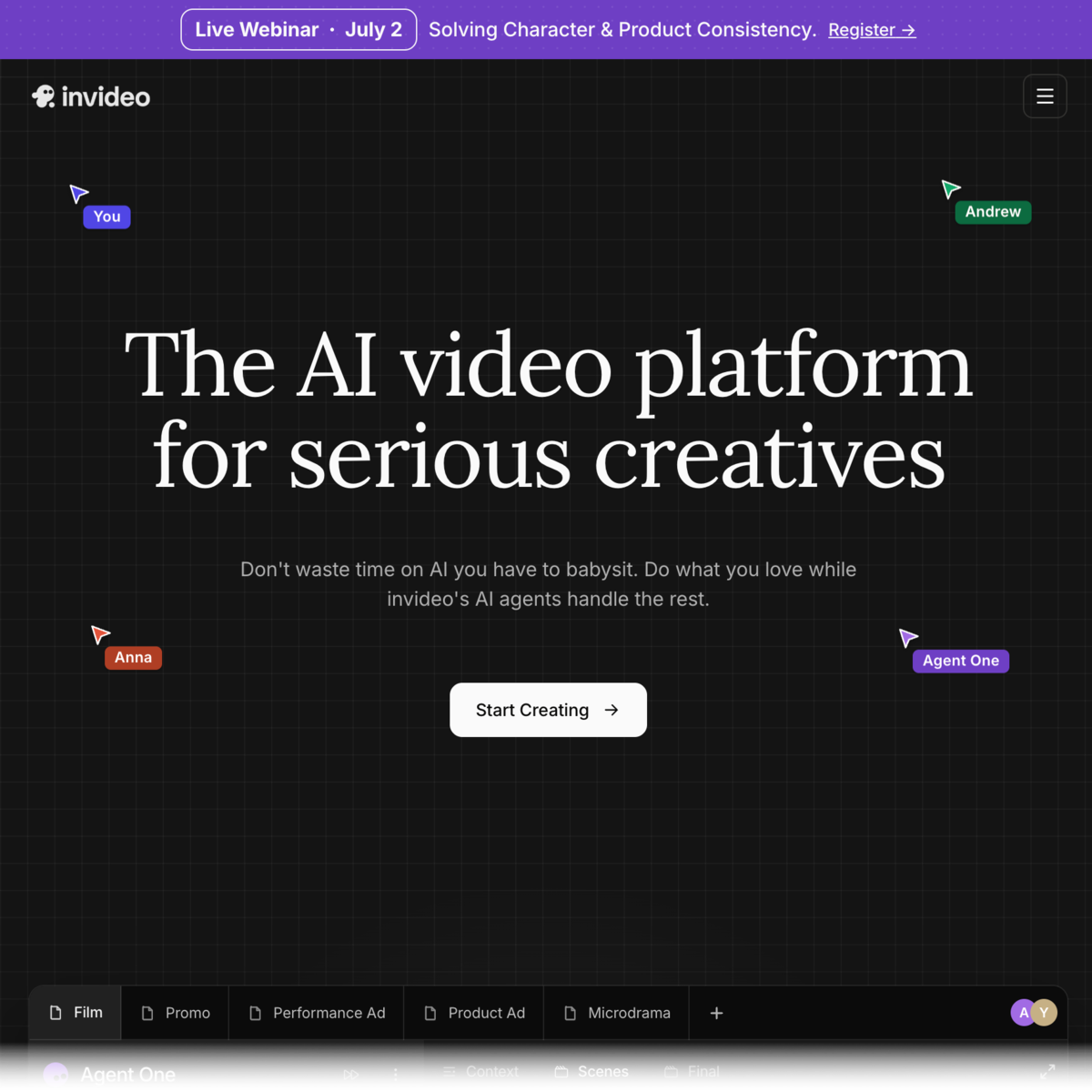
If you want to maintain as much creative control as possible while speeding things up with AI, Invideo should be one of the tools you should look into.
Invideo behaves a lot more like a traditional video editor. But unlike those older tools, it can generate entire videos for you using only text prompts.
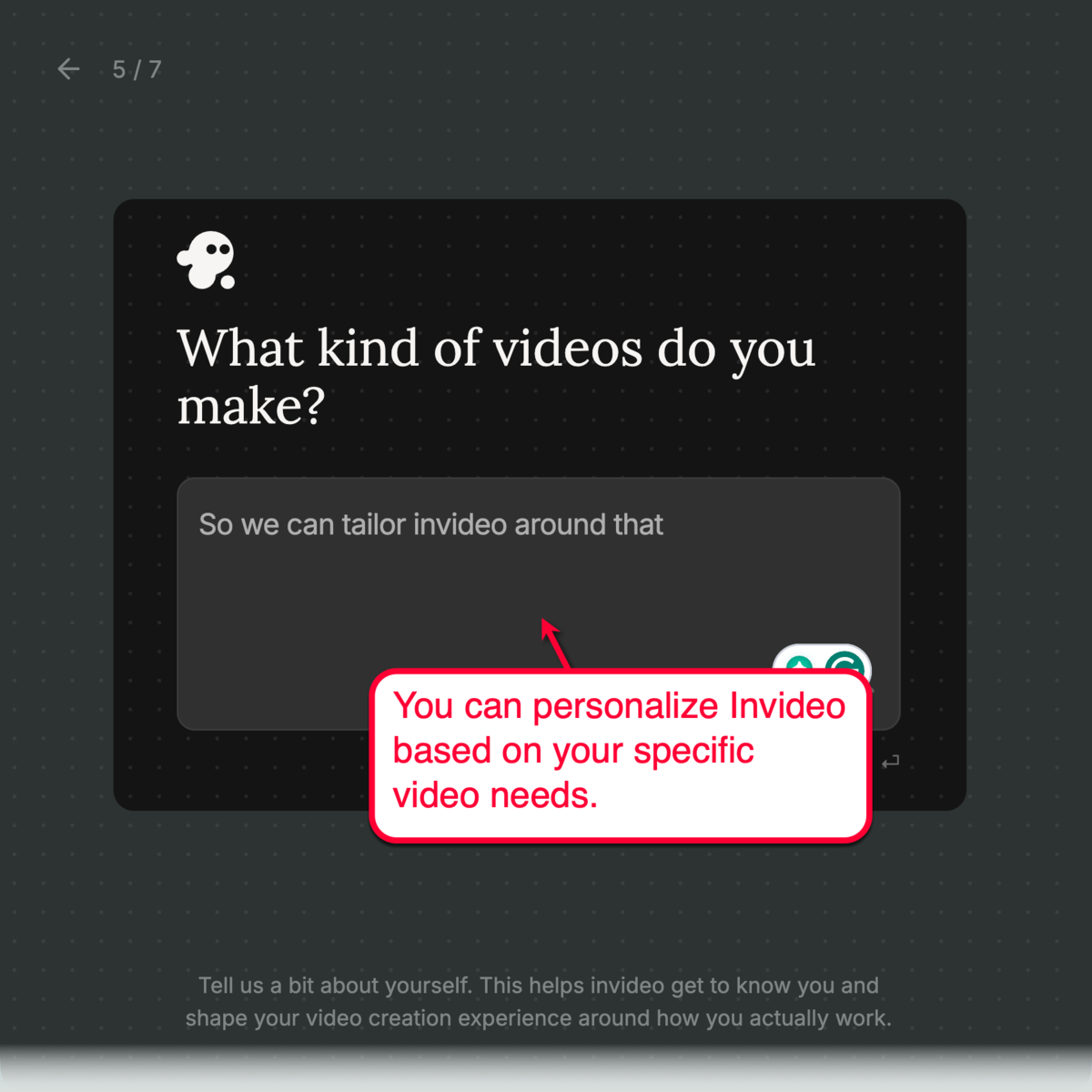
I also appreciate how the initial setup process involves personalizing the platform based on your goals. This will tailor Invideo’s responses and outputs to your brand.
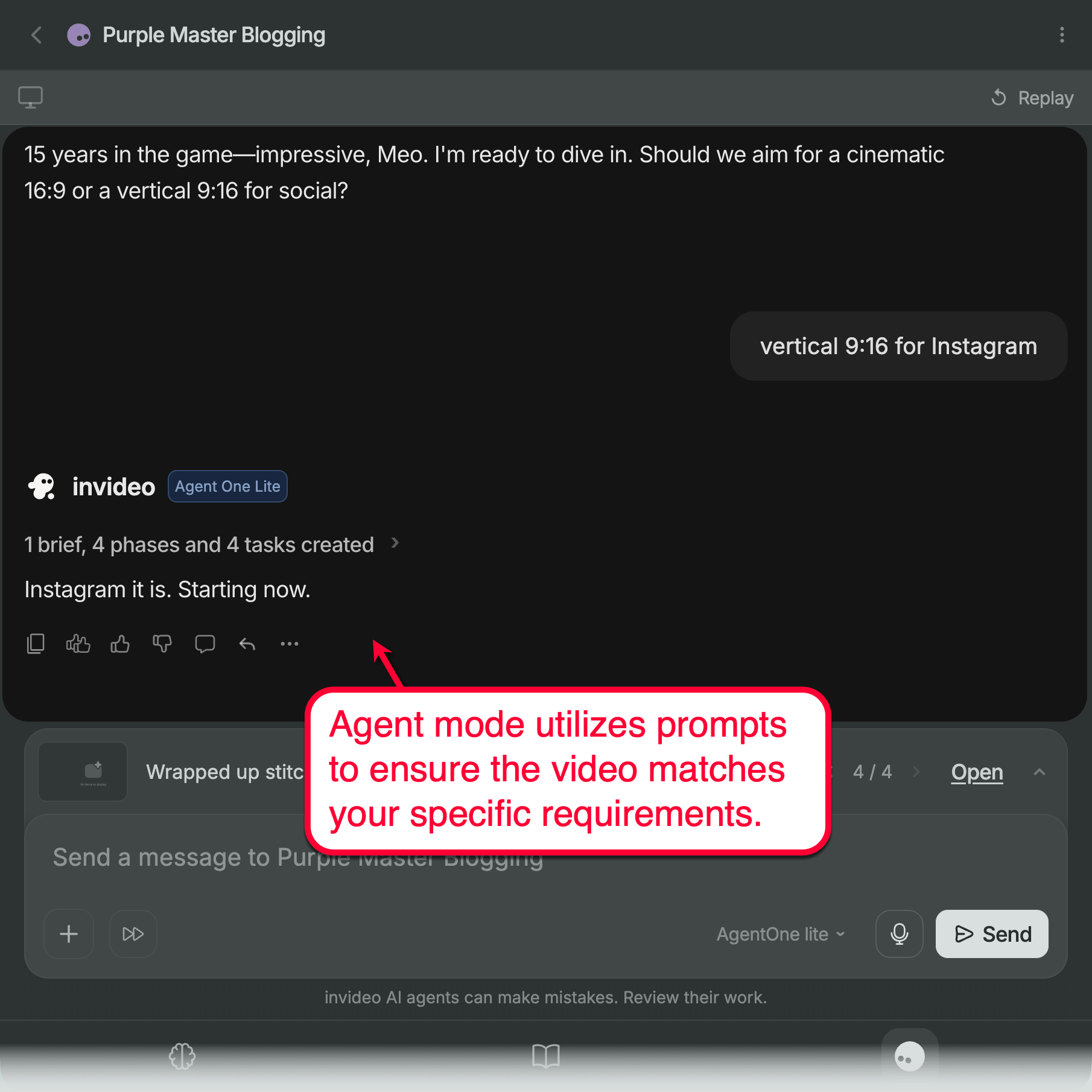
When creating videos with Invideo, you get to choose between “Agent mode” and “Autopilot.”
Using Autopilot, getting a rough draft off the ground with Invideo takes less than a minute.
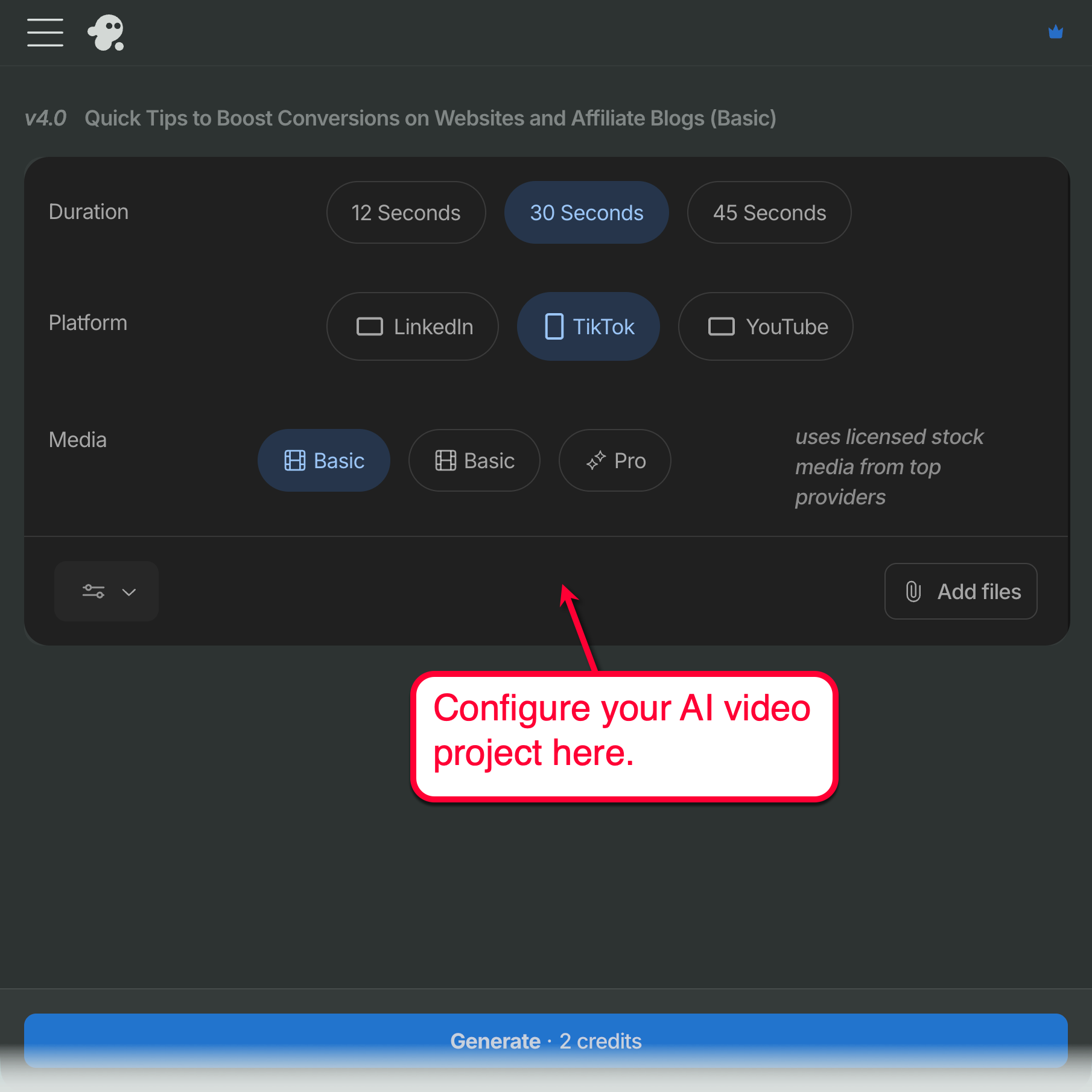
Simply type out what you want, define the length, select your target platform (YouTube, TikTok, or LinkedIn), and specify your media source (or upload your own). From there, click ‘Generate’ to create your draft.
If you chose Agent mode, the video generation experience will be much more reliant on prompts.
You’ll have to type out your requirements as the AI agent asks. While the workflow takes longer, it provides much more flexibility as you lay down every detail you need.
Once your draft is ready, you’ll have access to a full suite of video editing tools. You can swap out clips, tweak the script, change up the narrator’s voice, or manually adjust timings until the final product clicks.
This means you have to spend a little more time learning the ropes. But if you are the type of creator with a keen attention to detail and have specific video generation requirements, Invideo hits the sweet spot.
3. Revid.ai
Pricing: Starts at $39 per month
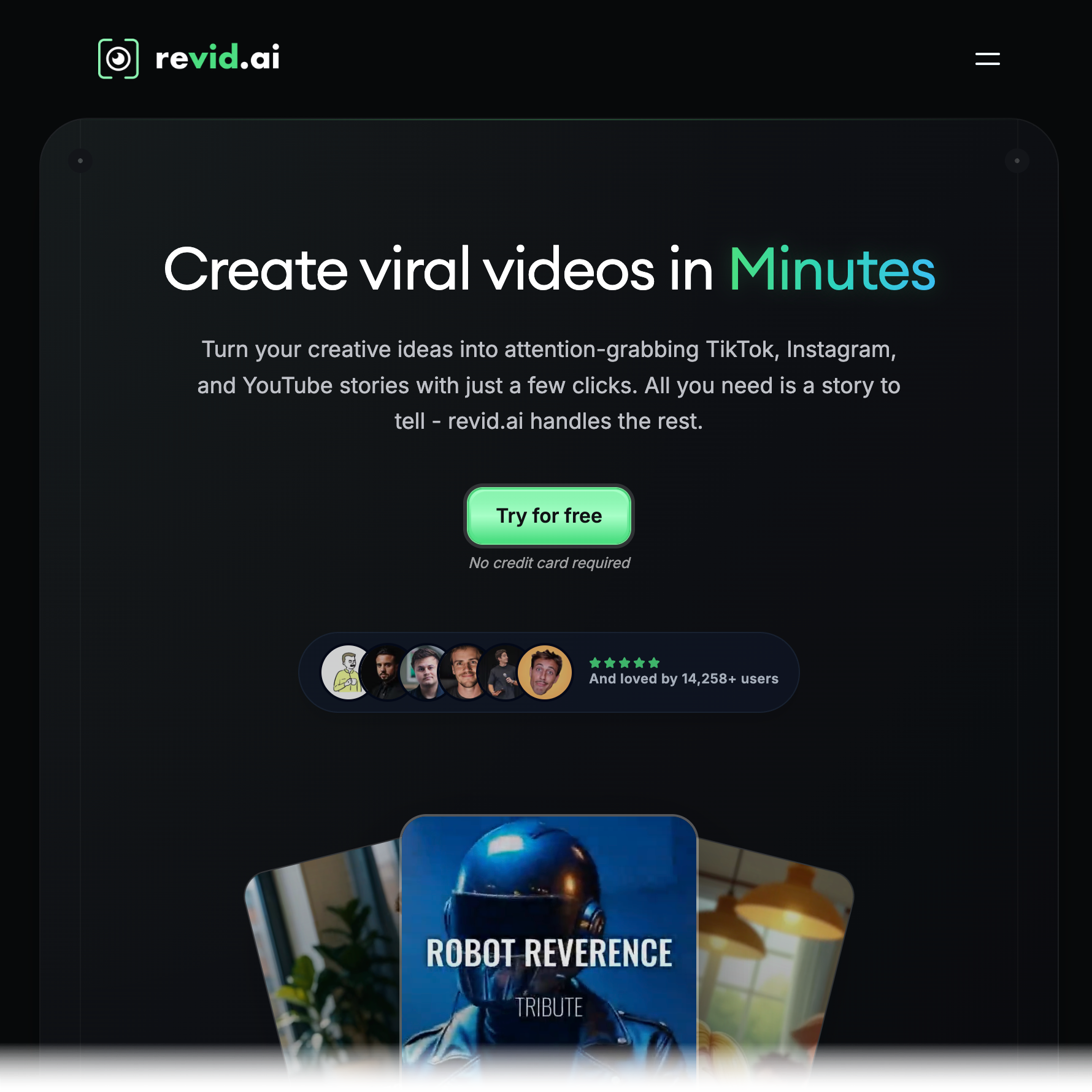
Revid.ai is fine-tuned for generating social media short-form videos as fast as humanly (or robotically) possible.
It doesn’t try to be a sophisticated, advanced video editor. Rather, it focuses on helping creators — regardless of technical knowledge — turn their ideas into finished clips that can be posted immediately.
Revid.ai’s toolkit also slightly resembles Pictory’s, particularly when it comes to the ability to generate videos using URLs and other existing content. Of course, you can also use prompts should you wish to more intricately describe the kind of video you want to create.
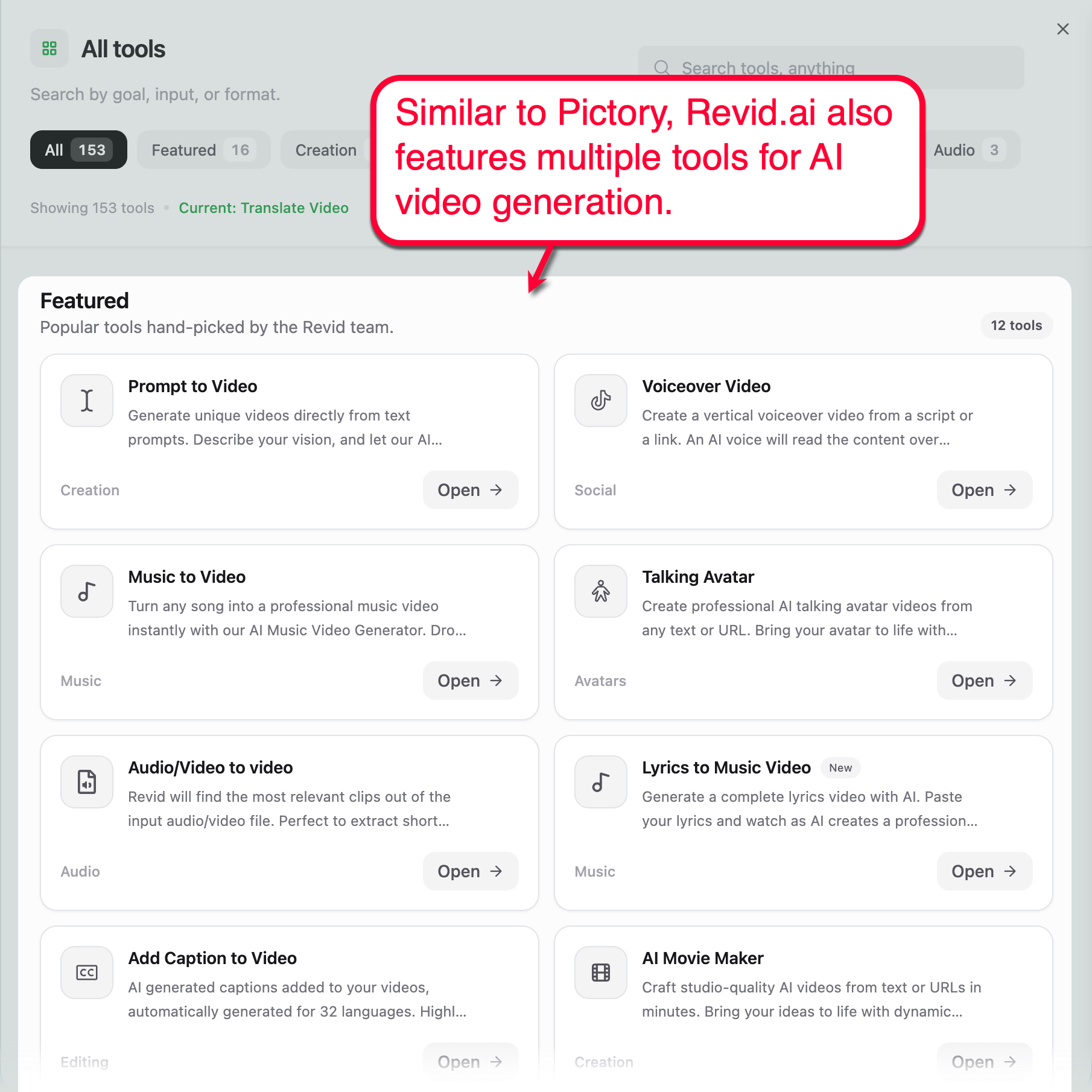
Using the “Prompt to Video” tool, you start by specifying your desired video dimensions, description, and duration. You can also choose which media type to use, provide additional guidelines, and select a narration voice.
As a cherry on top, Revid.ai allows you to easily remix trending viral videos, which essentially means using them as templates with your own content.
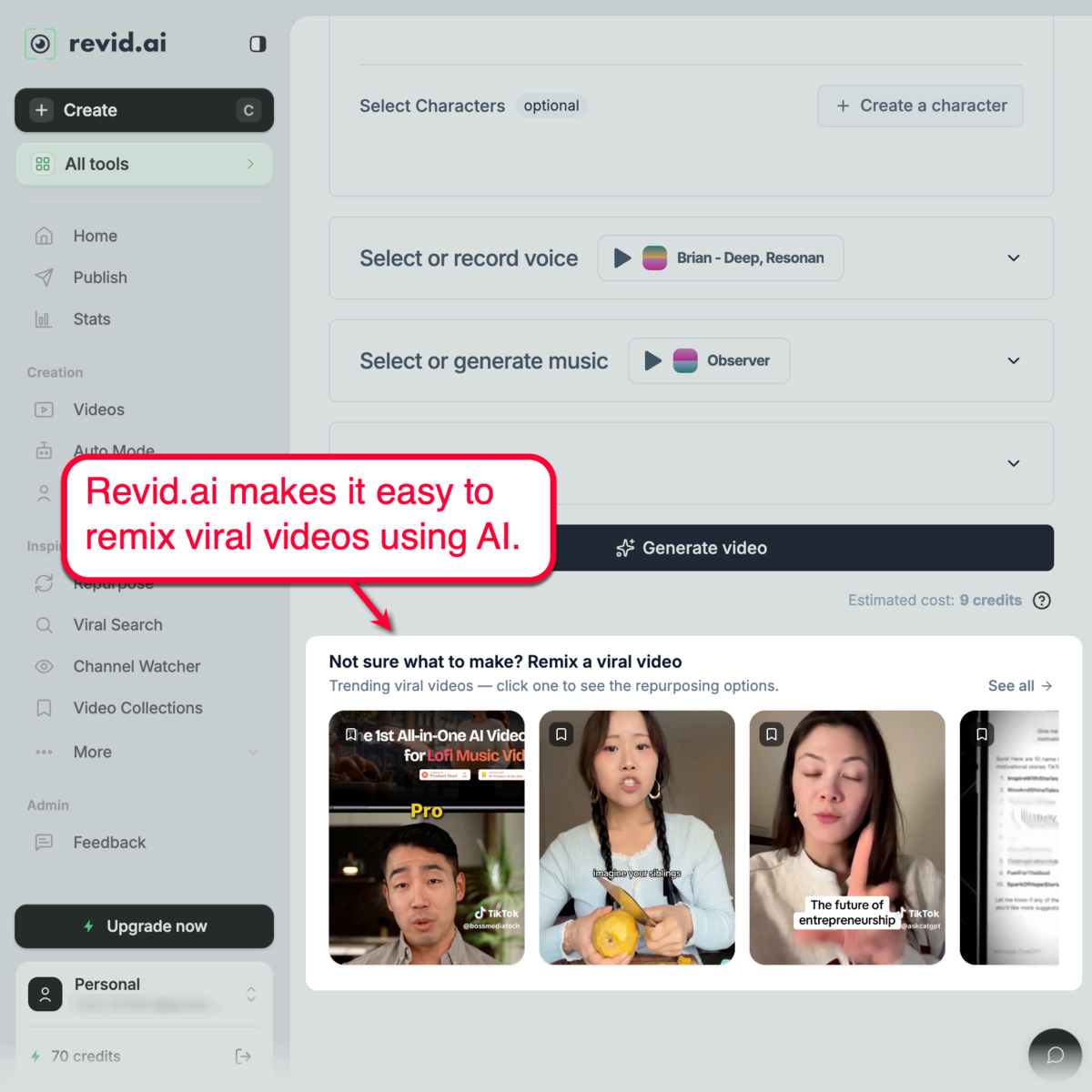
In addition to these creative video generation tools, Revid.ai also supplies social media-oriented video content ideation features. This includes built-in viral search, channel monitoring, and brand kits.
4. Picsart
Pricing: Starts at $15 per month
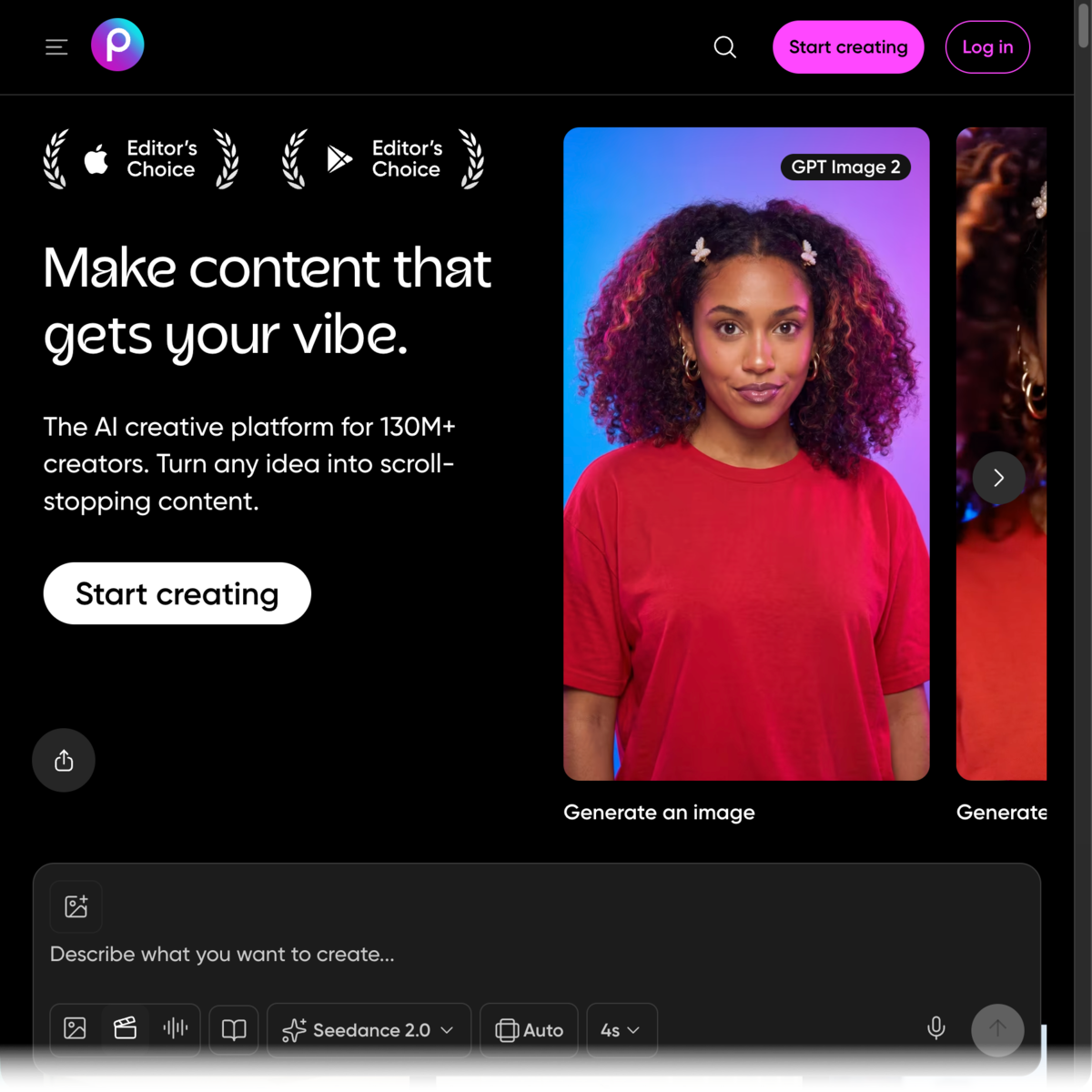
Picsart is perhaps the only tool on this list that’s not originally designed for video creation. Rather, it was a photo editing app first before transitioning to a comprehensive social creative platform.
In today’s version, Picsart bakes video generation right into the design dashboard. Using its AI video generator, you can easily turn prompts and images into publish-ready clips.
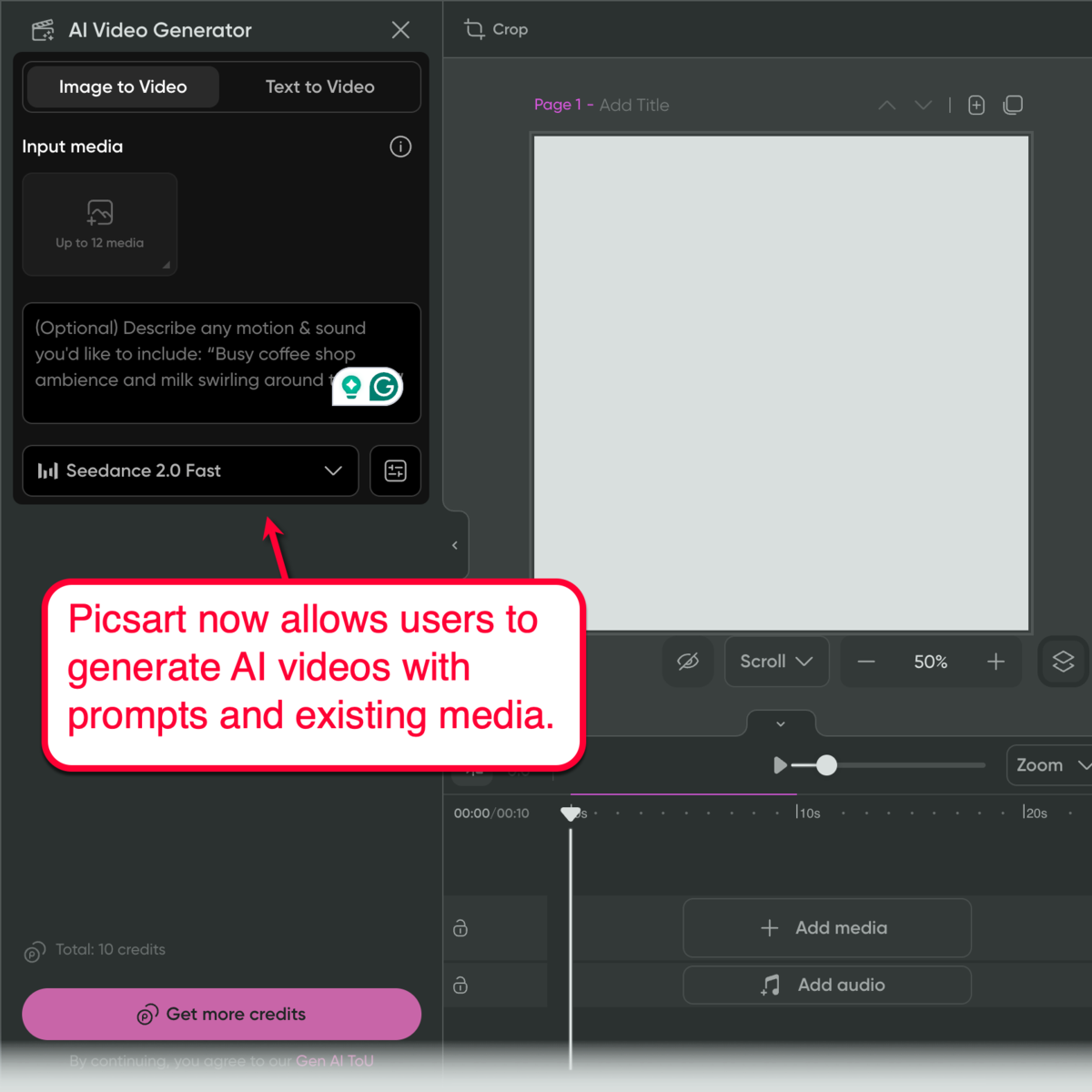
This is significantly more useful if you’re an existing Picsart user. After all, you could have months’ (or years’) worth of media in your Picsart library — ready to fuel your AI video generation efforts.
For social-focused creators, the Picsart AI effects library is a nice-to-have feature. It allows you to instantly transform your static images into high-quality animations in seconds.
5. Fliki.ai
Pricing: Starts at $21 per month
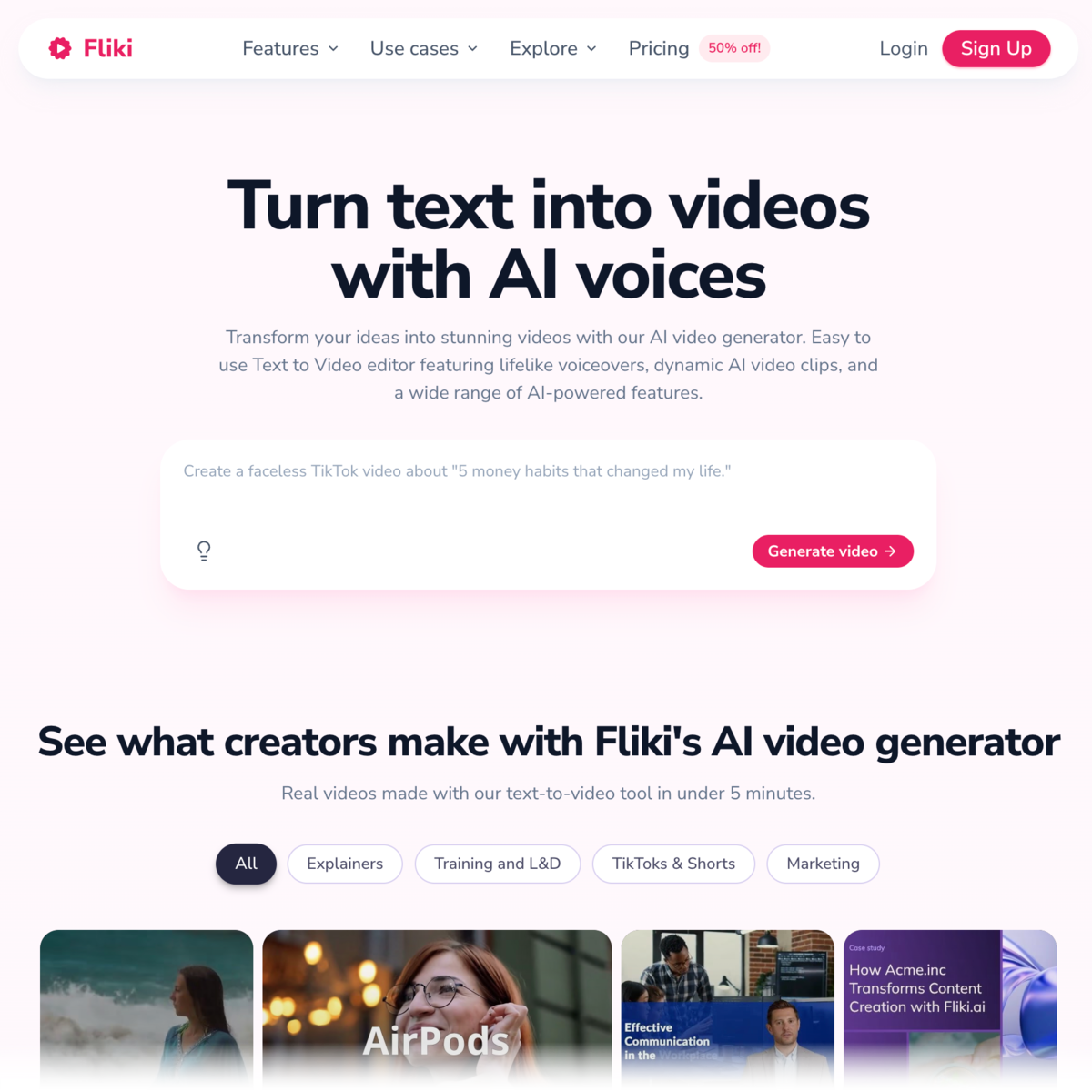
Fliki is a text-to-video AI tool with a clear advantage: proven, high-quality AI voiceovers.
While most modern AI platforms are capable of synthesizing “acceptable” AI narrator voices, Fliki’s entire software platform is fine-tuned for realistic voiceovers. Just enter your script, idea, or blog URL and click ‘Create’ — you’ll then be able to configure your project’s format, media sources, and narrator voice settings in one page.
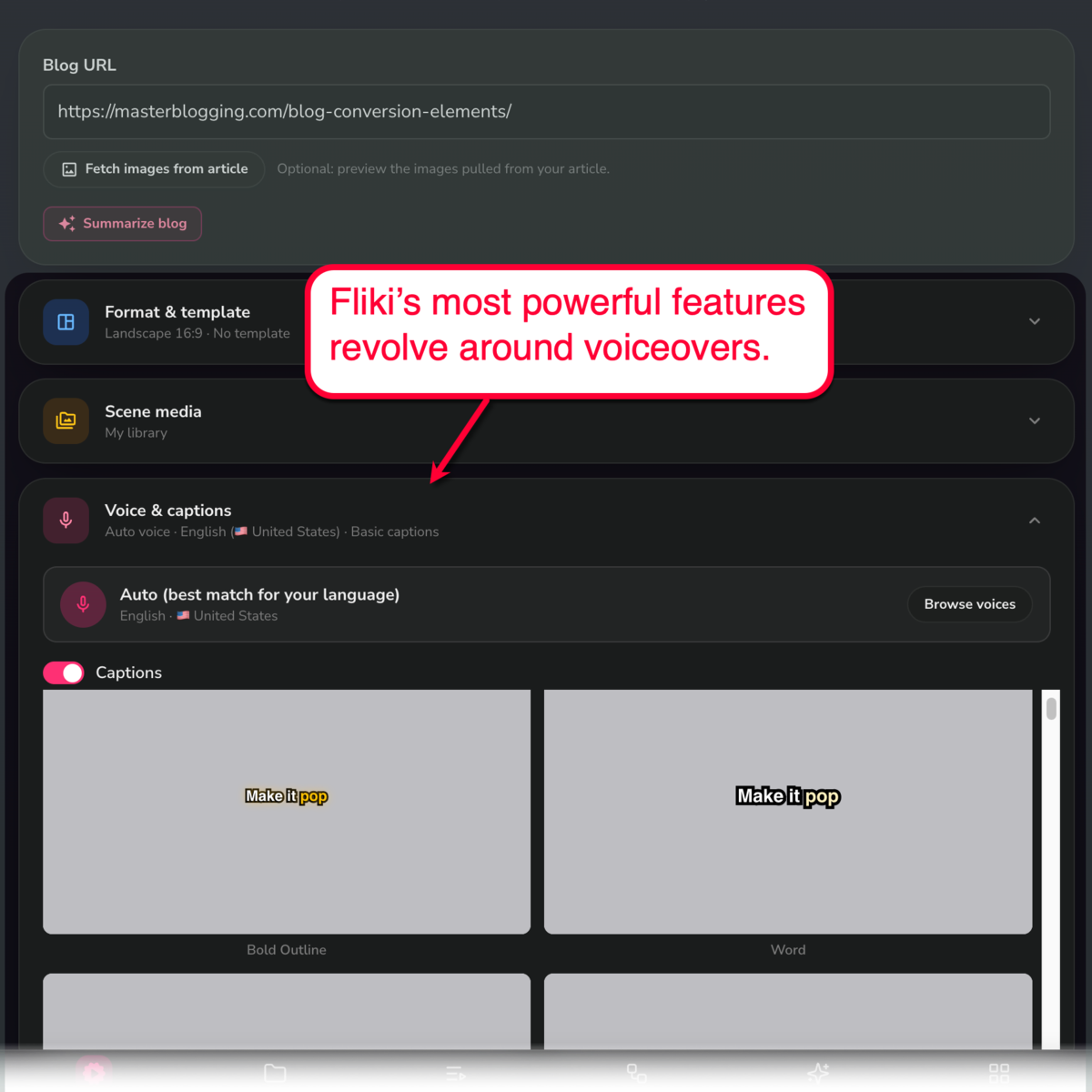
For the highlight, Fliki features an extensive library of AI voices you can choose from. These voices vary based on gender, language, dialect, and mood (e.g., calm, deep, middle pitch, and casual).
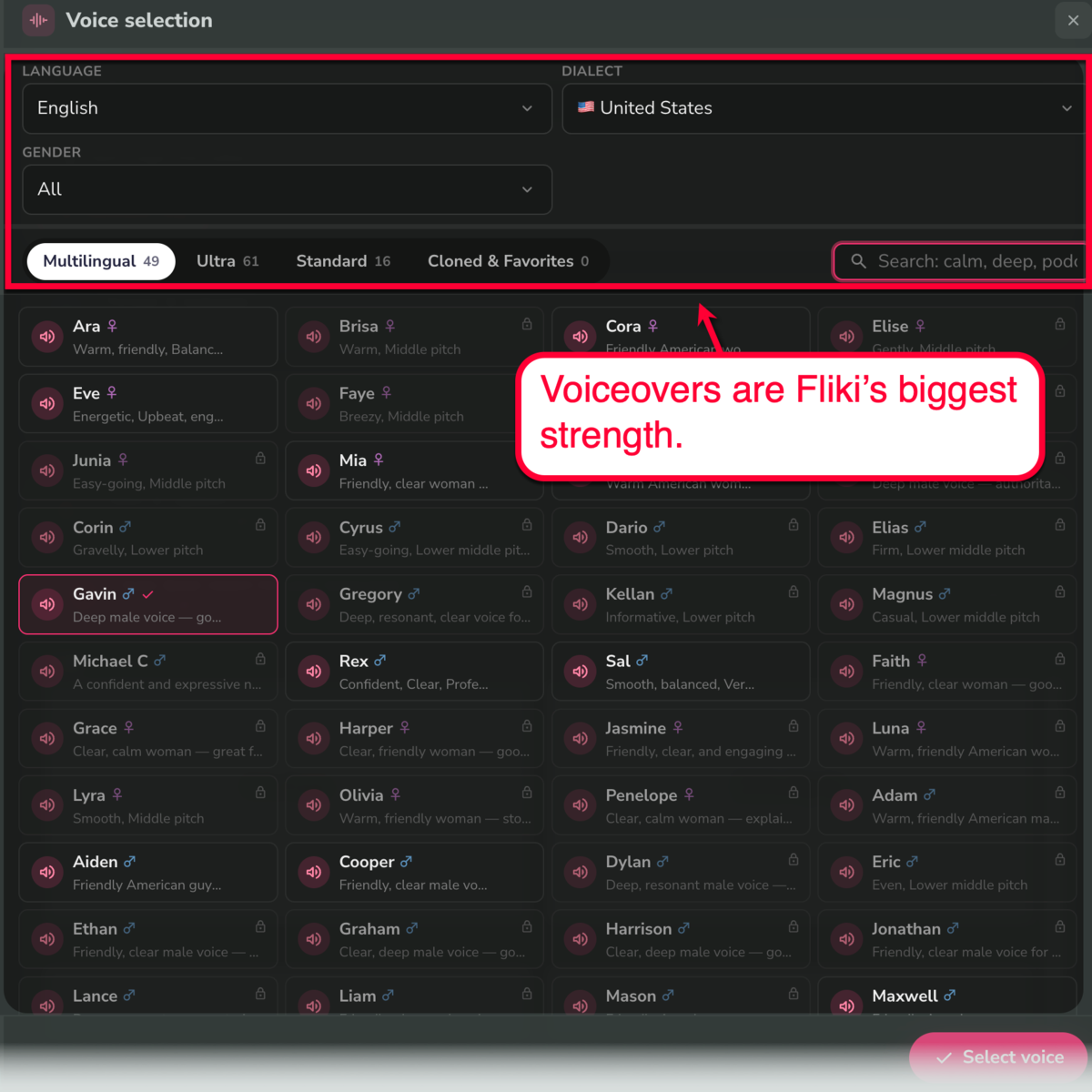
Beyond Fliki’s advanced AI voiceover tools, the app also comes with multiple tools for initiating projects. You can use PPT files, full-text scripts, and blog post URLs to get the ball rolling.
How I Would Choose a Text-to-Video AI Tool
Perhaps you already have a text-to-video tool picked out.
Or maybe you’re still waiting for that “big reveal” on which tool I’d recommend based on my experience.
At the end of the day, all of these tools are capable of turning text into publish-worthy videos. But they’re all packaged with different feature sets, making certain tools fit specific workflows better than the rest.
To figure out which tool best matches your needs, here is a checklist of considerations you should look into:
- The final product’s look: Does the clip actually look like the content you would post immediately? If you need to do edits, which tool generates clips that require the least amount of work?
- Fixing mistakes on the fly: Should the video contain mistakes or sections that are not up to your standards, how quickly can you address them? Does the tool provide quick fixes, or do you have to redo everything from scratch?
- What the tool is actually built for: Is the tool designed for your specific use case? Chances are, purpose-built AI tools lead to much smoother workflows and less headaches.
- Actual time saved: With the tools Quality of Life (QoL) features, how much time and effort will you actually save based on your workflow? Or, are they saving time on tasks you’re not particular concerned with?
These considerations are what led me to believe there isn’t a single, “best” text-to-video AI tool for everyone.
The right choice depends on your workflow, the type of content you create, and how much control you want over the finished product.
Final Words
Most people evaluate tools by counting their features and comparing pricing plans.
However, what really matters are your needs.
The best tool is always going to be the one that slides perfectly into your daily routine — fixing your biggest production headaches.
For me, Pictory was the obvious choice since I have over a decade’s worth of content on my website. It’s also incredibly easy to learn, especially since the app was designed from the ground up to utilize AI for video generation.
Again, Master Blogging readers can get 20% off a Pictory subscription. Just use the coupon code ‘MASTERBLOGGING’ upon checkout.
Go here for more information about this exclusive deal!

Article by
Ankit Singla is the founder of Master Blogging. With over 15 years of blogging experience, he helps entrepreneurs build blogs that become long-term business assets through content, SEO, and authority.
